Input Stability
Pick one control mode and keep it fixed for at least three runs.
Launch the game instantly. If your network blocks embedding, use the fallback button below.
Use this sequence before pushing pace, especially on a new device.
Pick one control mode and keep it fixed for at least three runs.
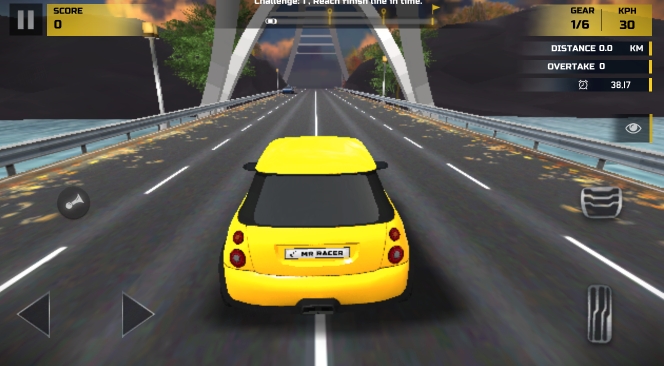
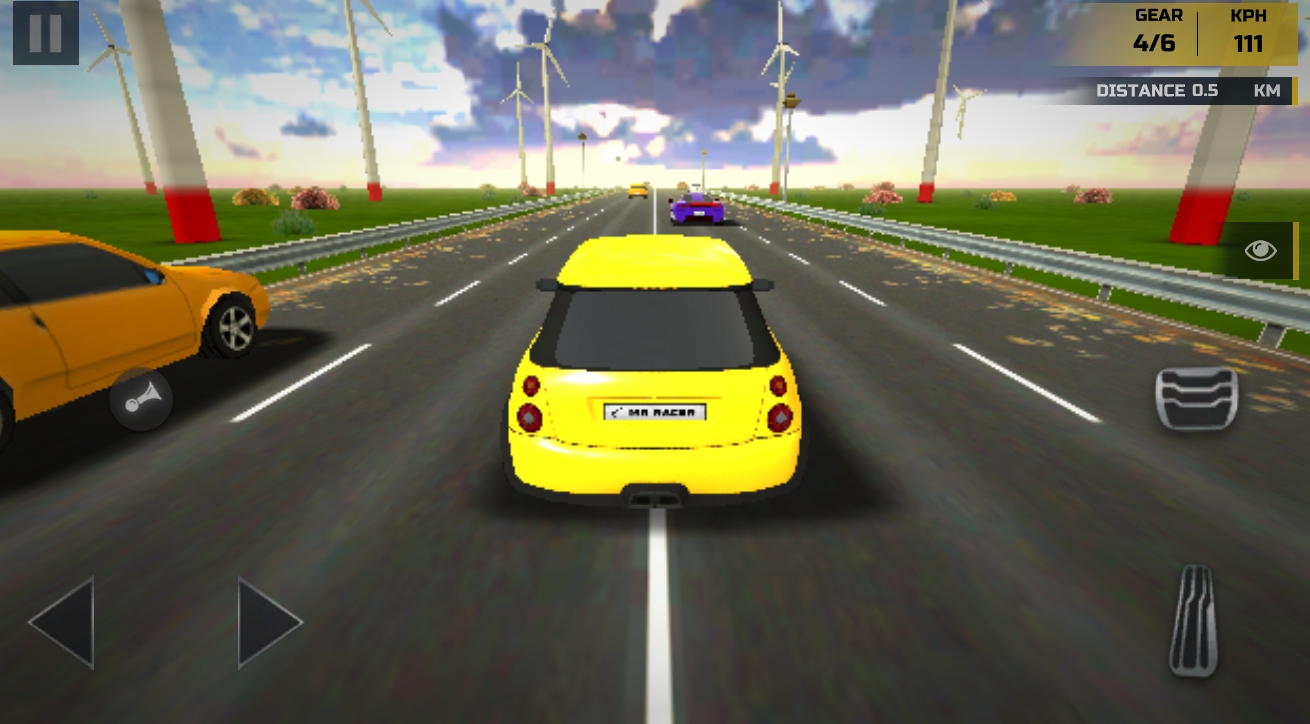
Start with third-person for traffic readability, then test first-person.
One target per block: clean finish, lower collisions, or better pace.
Choose Tilt, Steering, or Button controls and stick to one setting for consistency.
Third-person helps lane awareness; first-person sharpens reaction training.
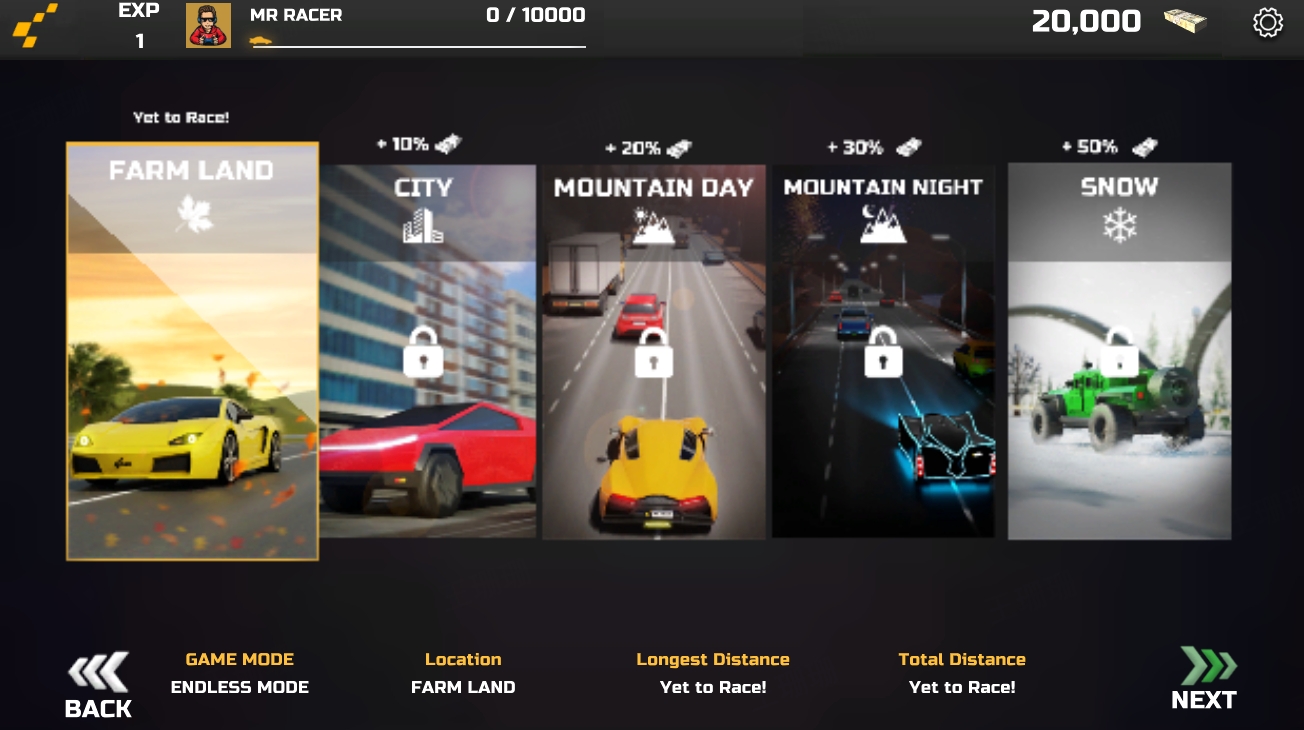
Start with Career and Challenge to build clean habits before aggressive Chase runs.
| Mode | Primary Goal | Common Error | Recommended Guide |
|---|---|---|---|
| Career | Steady progression with controlled upgrades | Upgrading speed before stability is ready | Career Mode Milestones |
| Challenge | Reliable objective clears | Forcing pace too early | Challenge Mode Breakdown |
| Chase | Safe overtakes under pressure | Late lane commitment | Chase Mode Tactics |
| Time Trial | Repeatable line precision | Unstable entry timing | Time Trial Consistency |
Quick visual reference before practice blocks and mode-specific sessions.